Version 1.2 · iPhone and iPad

A vault only you can open.

SilentBox keeps photos, scans, PDFs and any other file encrypted on your iPhone and iPad. Encryption happens on the device. We do not have the key and cannot read your content.

Get it on the App Store

Free for 14 days. Then a one-time purchase — no subscription.

iOS 18 or later · iPhone and iPad · no account

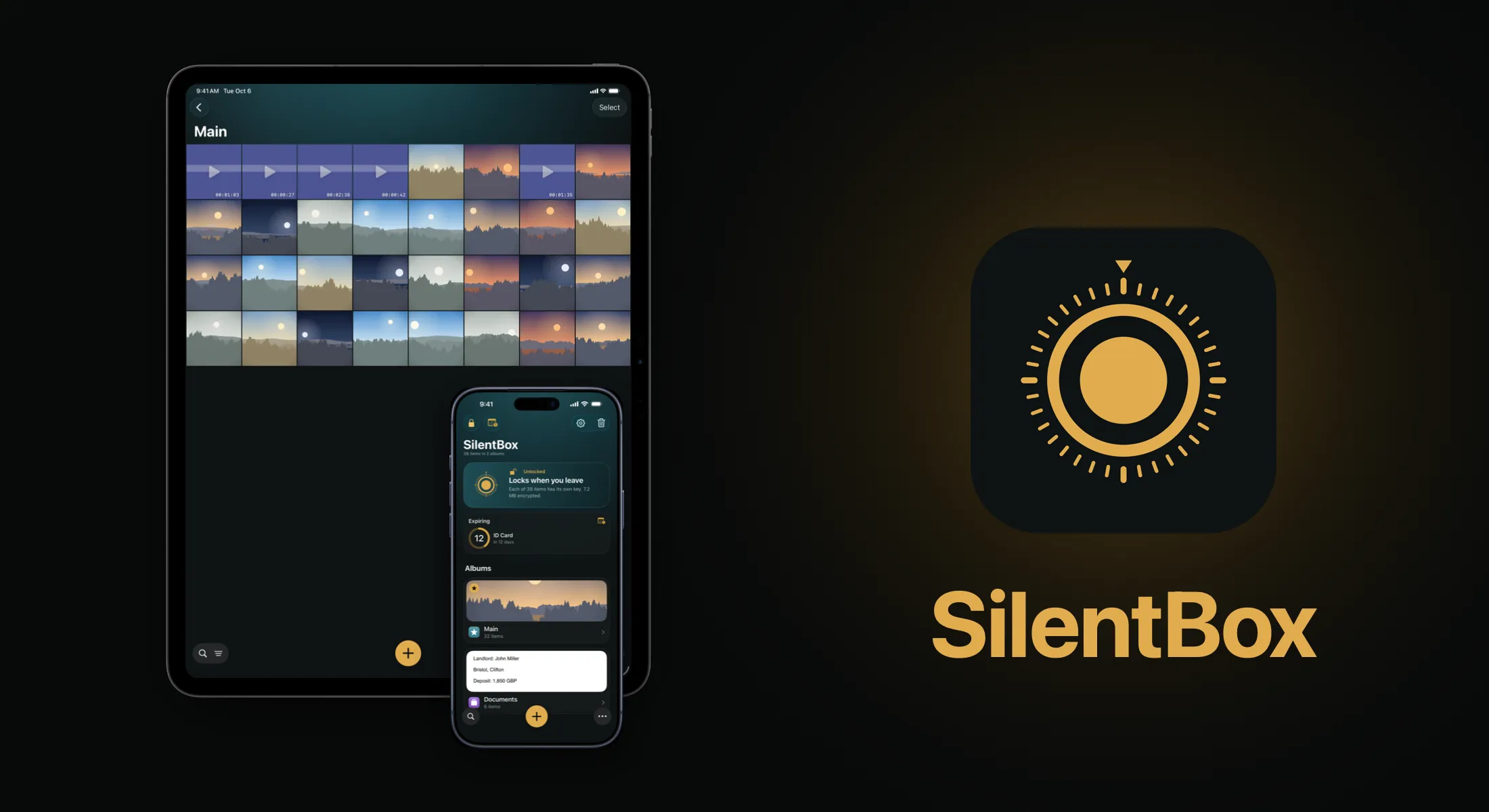
SilentBox on iPad and iPhone — the vault grid, and the album list with the vault card
For photos and paperwork too

What sets SilentBox apart

Ten things it was built for. The rest others do too.

Everything is encrypted before it touches the disk — SilentBox

Everything is encrypted before it touches the disk

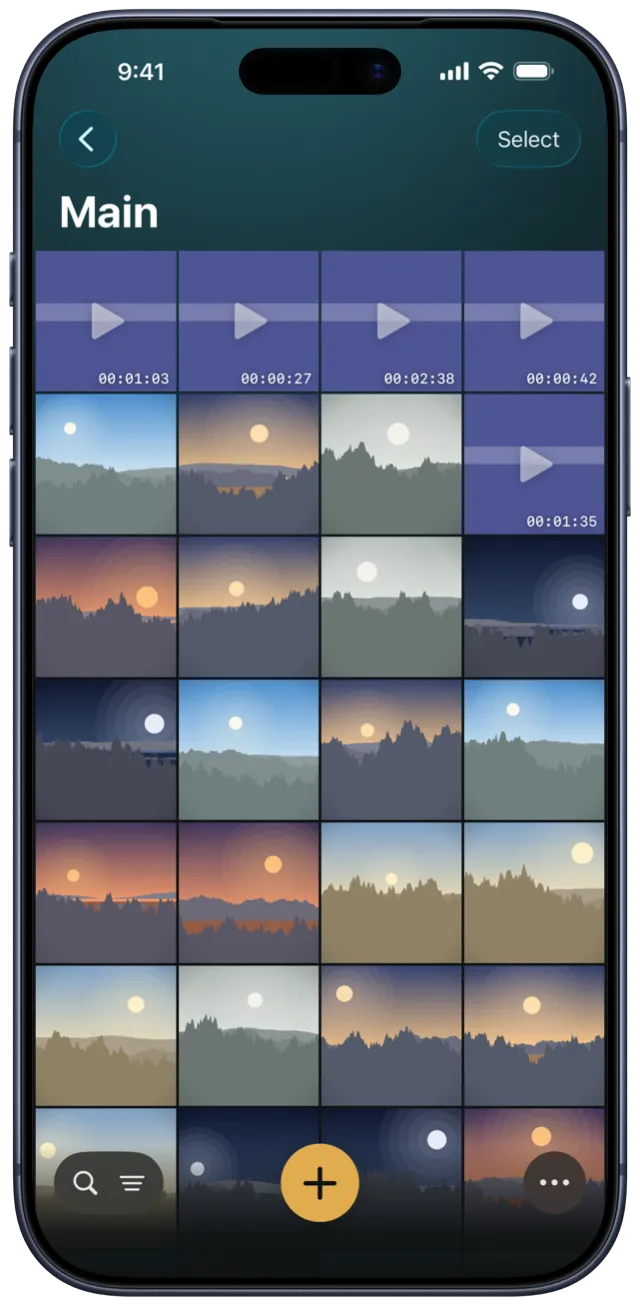
Files are encrypted on your device before they’re saved, and the vault keeps no readable copy — not even a thumbnail. The key is created on your device and never leaves it, so we couldn’t open your vault even if someone made us.
Face ID opens it, and it stays open while you read — SilentBox

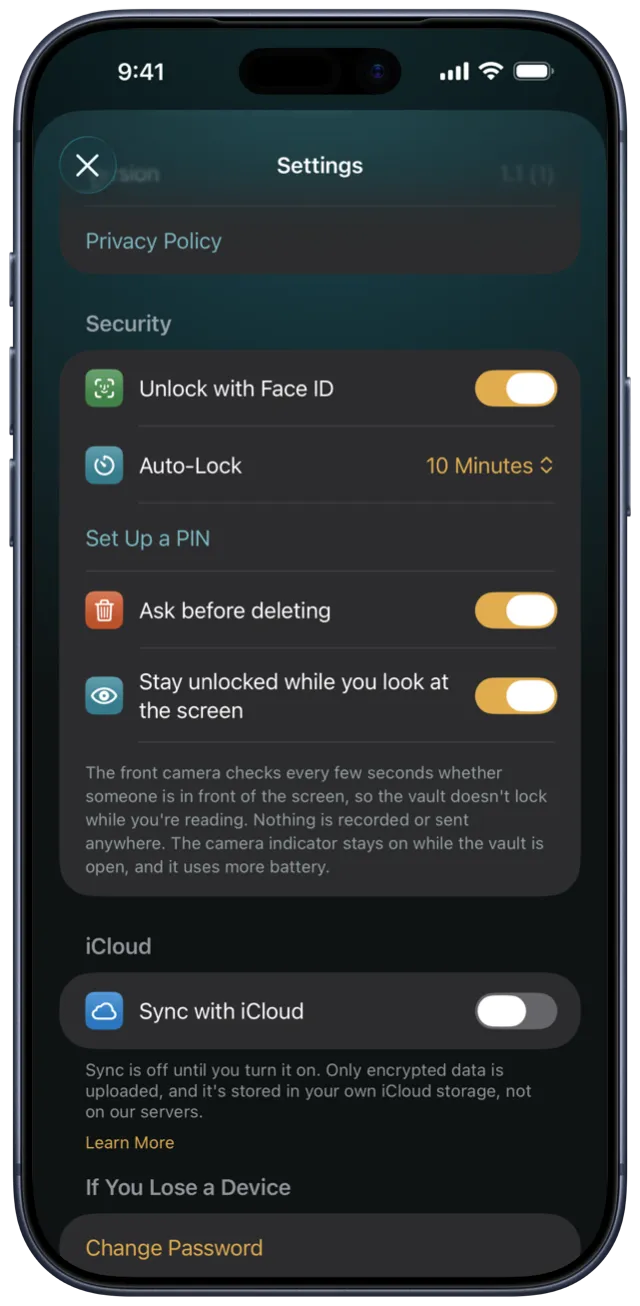
Face ID opens it, and it stays open while you read

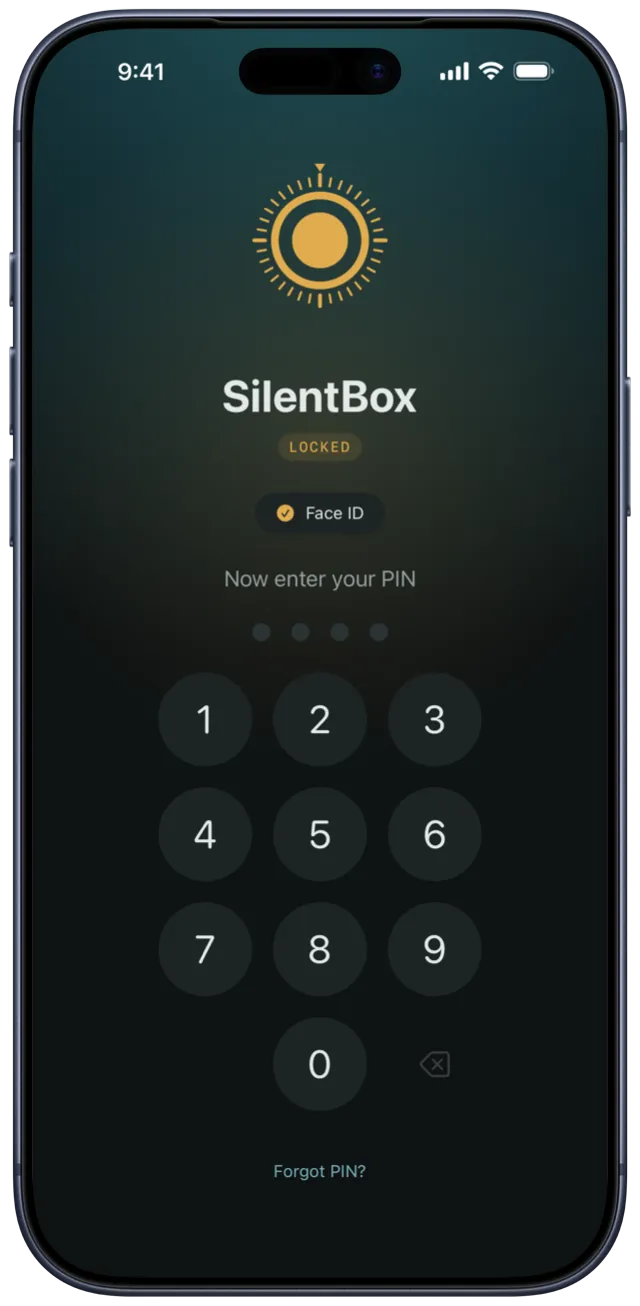
A glance unlocks the vault, and it locks again when you leave the app or stop using it. Turn on the front-camera check and it stays open while you’re in front of the screen. Nothing is recorded or sent anywhere.

Locked albums ask again, even inside the vault — SilentBox

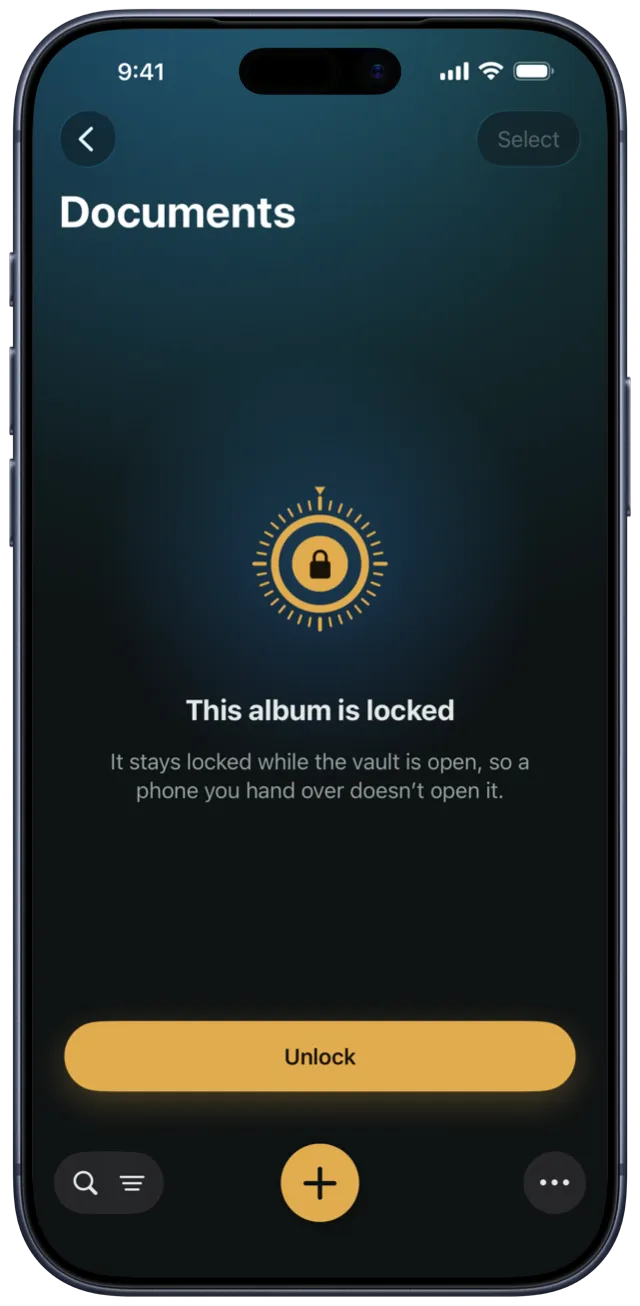
Locked albums ask again, even inside the vault Full version

An album can have its own lock — Face ID, a PIN or your vault password. Until you open it, its items stay out of search, the trash and expiration reminders. A vault inside the vault, for when you hand someone your phone.

Two-step unlock: Face ID, then your PIN — SilentBox

Two-step unlock: Face ID, then your PIN Full version

Turn on two-step unlock and the vault asks for your PIN every time — even after Face ID or your password. Someone who holds your phone up to your face, or has seen your password, still can’t open it on this device. Forgot the PIN? Your recovery phrase resets it.

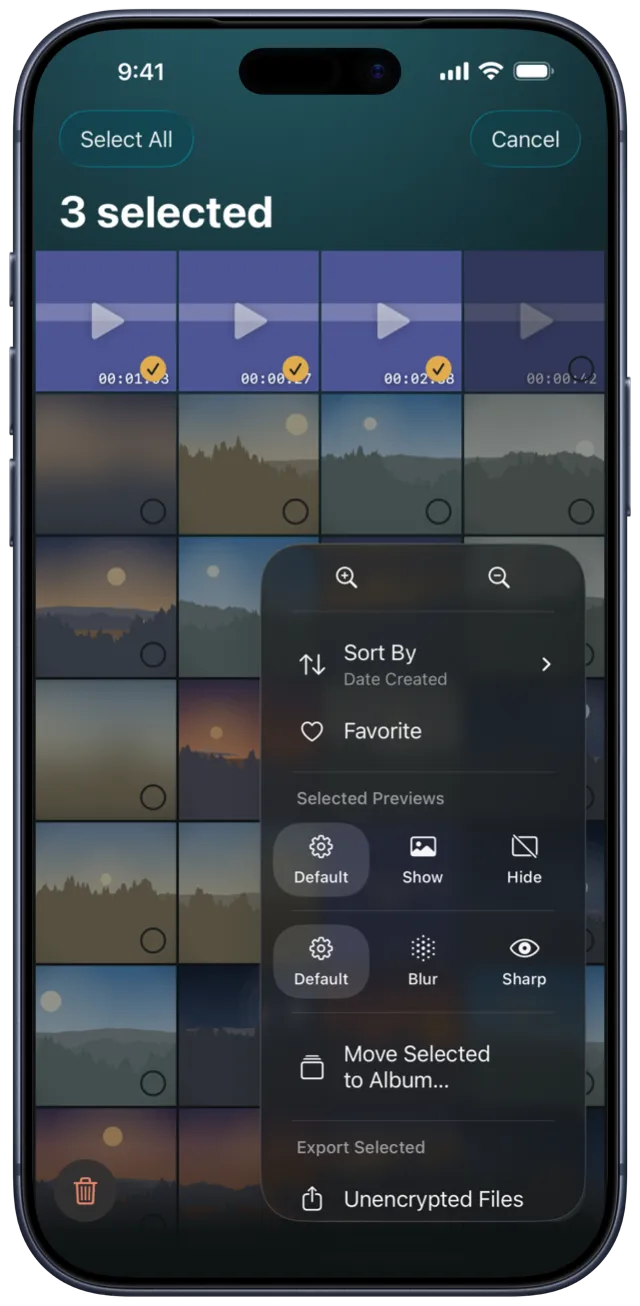
Hide or blur any preview, one by one — SilentBox

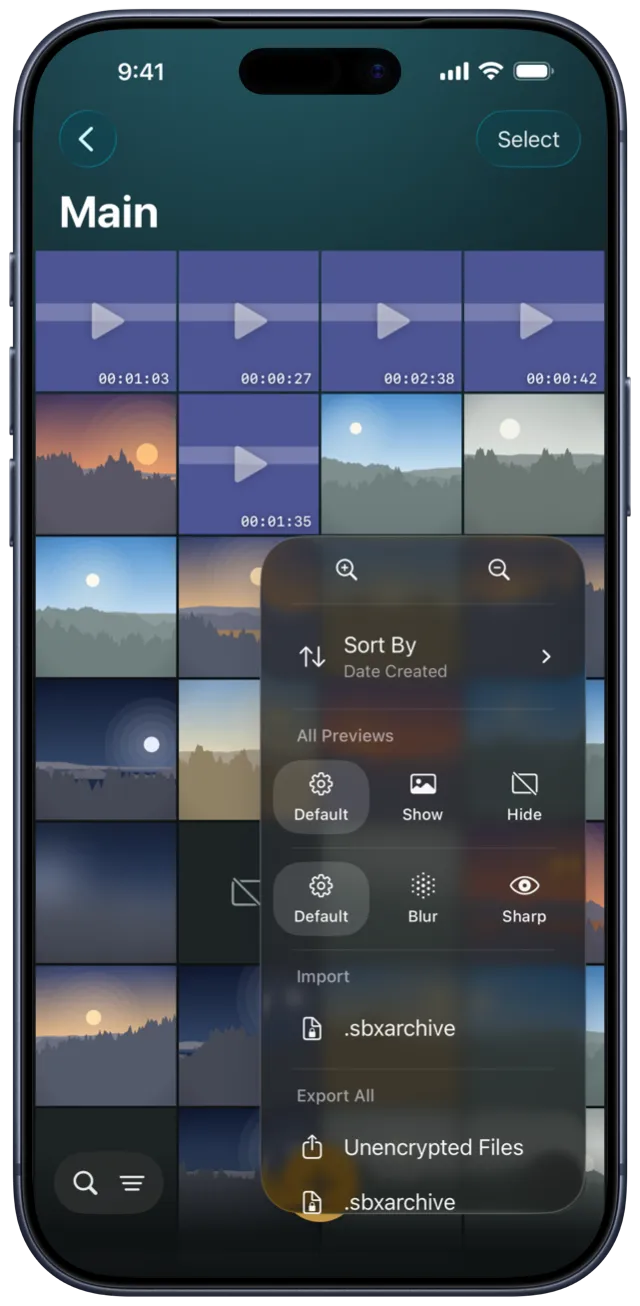
Hide or blur any preview, one by one

Album covers show what’s in each album, and you pick which photo becomes the cover. Hide or blur covers and item previews for the whole vault, a single album or one item. What the album list and the grid reveal is up to you.

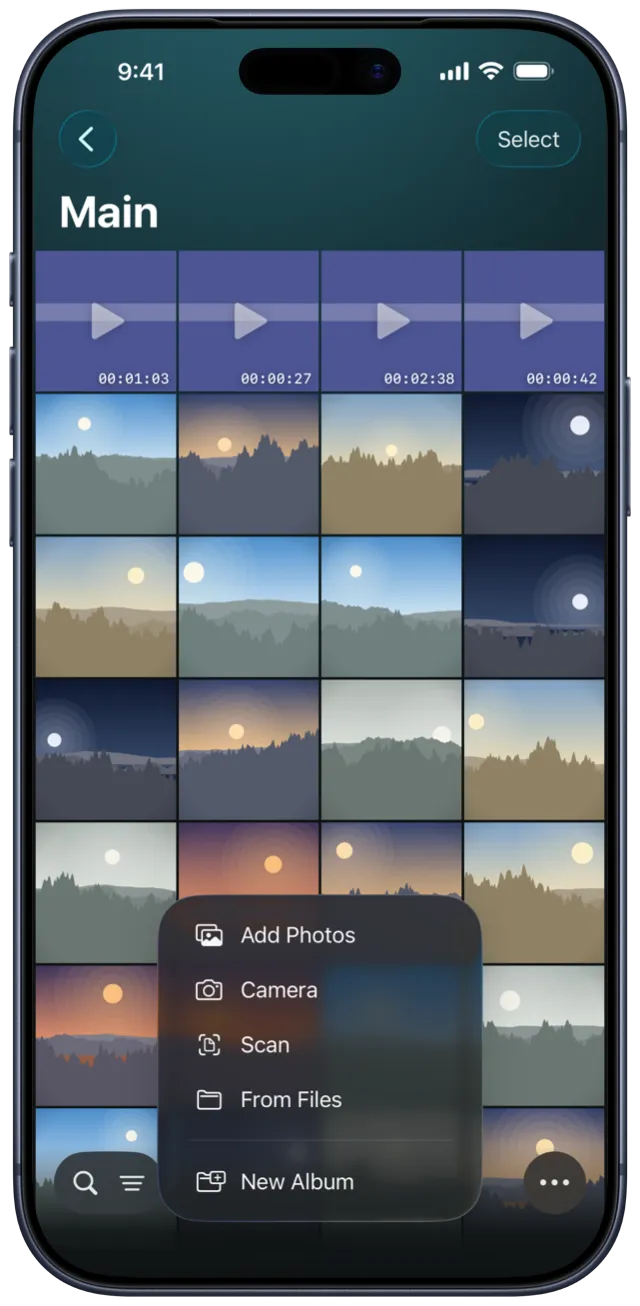
Photos, files, the camera and a document scanner — SilentBox

Photos, files, the camera and a document scanner

Add photos and videos from your library, any file from Files, a new photo from the camera, or a scan that’s cropped and straightened into a multi-page PDF. ID cards and insurance papers can remind you before they expire.

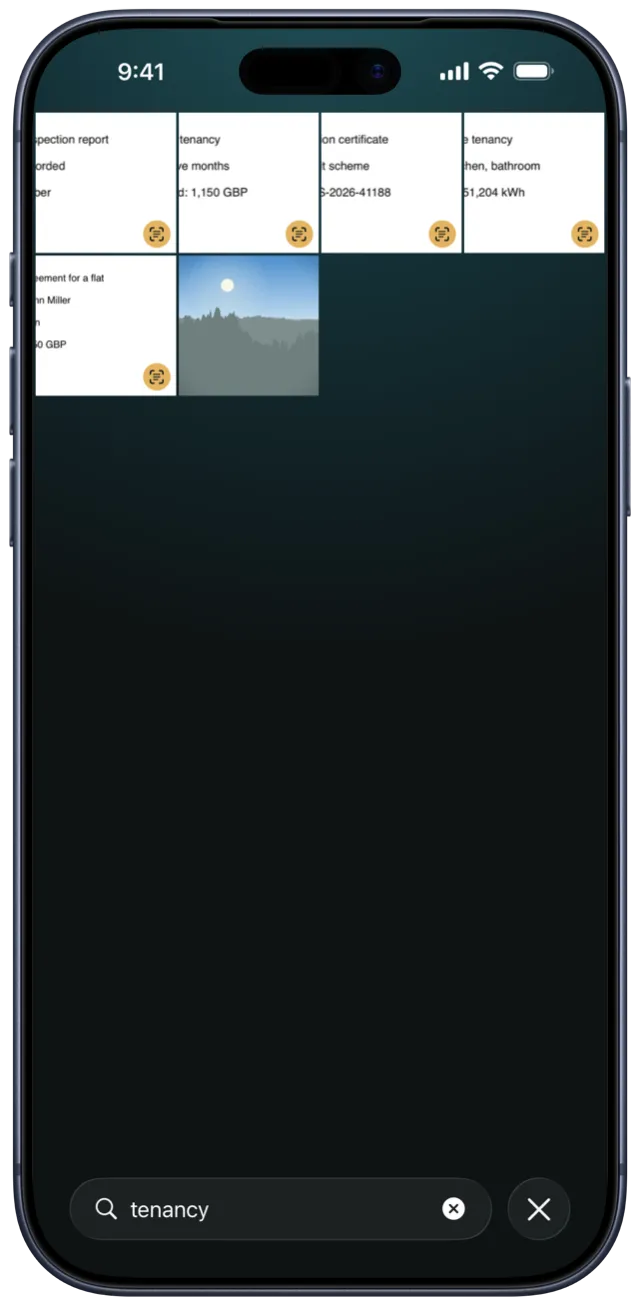
Search reads what is written inside your scans — SilentBox

Search reads what is written inside your scans

Text is recognized on your device and searched along with file names, and accents don’t get in the way — “skoda” finds “Škoda”. The search data is encrypted alongside your content and never leaves the vault.

Sync with your own iCloud — and see what’s arrived — SilentBox

Sync with your own iCloud — and see what’s arrived

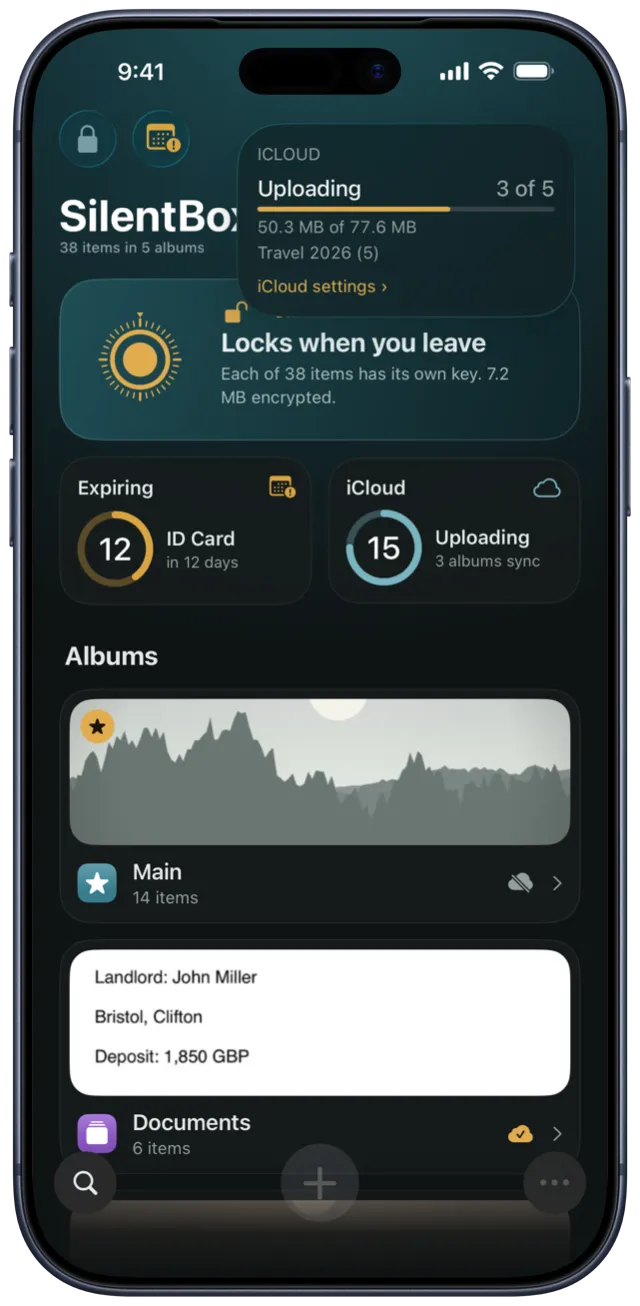
Sync is off until you turn it on, and you choose which albums sync. Only encrypted data goes to your own iCloud storage, never to our servers. An album shows a filled cloud only when everything in it has arrived, and tells you when an item is still waiting for another device. An item stays in iCloud until you delete it for good or take its album out of iCloud.

Videos download only when you open them — SilentBox

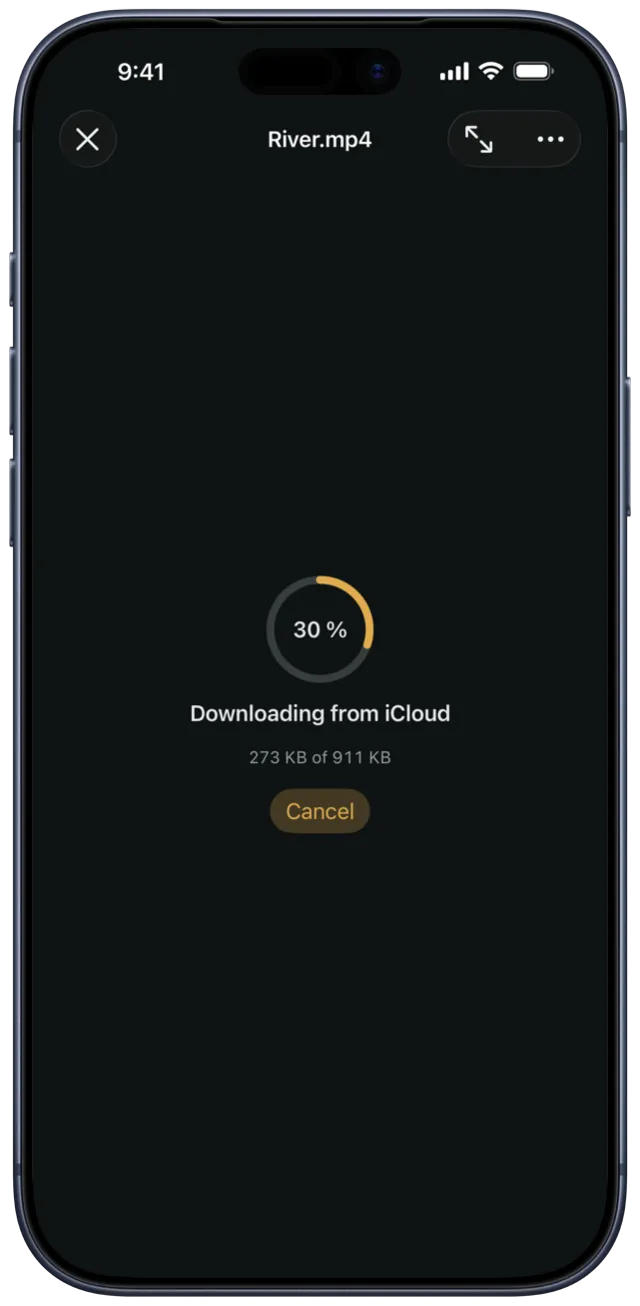
Videos download only when you open them

Videos stay in iCloud until you play them, so a second device doesn’t fill up with files you may never watch. Downloads show their progress, and you can stop them at any time.

Turn your phone face down to lock the vault — SilentBox

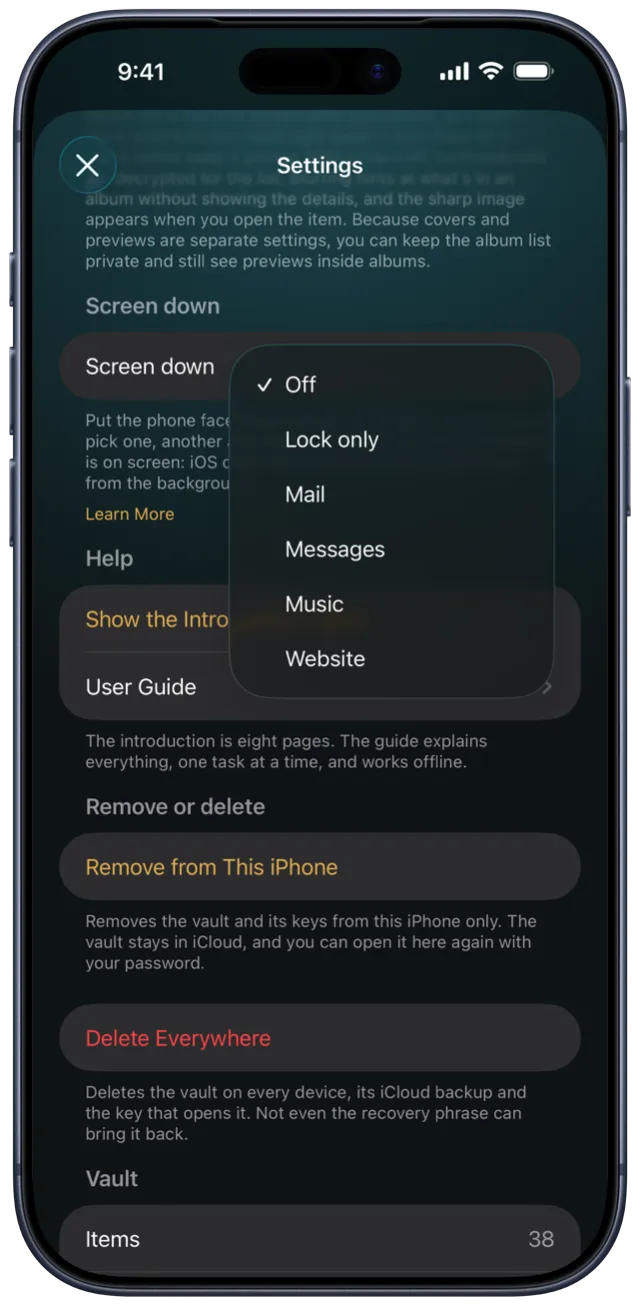
Turn your phone face down to lock the vault Full version

Put your phone face down and the vault locks. If you like, Mail or Messages opens in its place. You can also block screen capture: screenshots come out black and screen recordings stay covered, from the album list to an open photo.

We don’t lock you in — you can always take your data away — SilentBox

We don’t lock you in — you can always take your data away

Export plain files at any time, with their photo metadata intact — free, even after the trial. With the full version, you can also save the whole vault as one encrypted archive and restore it on any device. A vault is only as trustworthy as it is easy to leave.

Under the surface

How it is built

Security cannot be tried out with a tap, so here at least is what it rests on.

The key is made on your device and stays there

The master key is 256 random bits, never derived from your password — the password only unwraps a copy of it. It exists in memory only while the vault is open; on disk and in the Keychain it is always wrapped.

Encrypted before it is stored

Import reads in blocks, encrypts in memory and writes nothing but unreadable data. A plaintext copy never lands on disk — not even when you share into it from another app.

File names and albums are encrypted too

File names, albums, dates and extracted text sit in the same envelope as the content. A name like “biopsy-results.pdf” is sensitive on its own.

Without the recovery phrase there is no way back

A forgotten password means lost data — that is a consequence of us not having the key, not a bug. Which is why twelve words on paper belong with the vault, printed when you create it.

The limits

What SilentBox does not do

A promise we cannot keep is worse than a missing feature. These are the limits, written down before anyone has to ask about them.

What SilentBox does not do

  • It will not protect you if someone forces you to open the vault. The app has nothing for that.
  • It will not protect content from a compromised system — a keylogger or malware with kernel rights reads the key while the vault is open.
  • It cannot stop a camera pointed at the screen. Screenshots and recordings can be blocked; another phone held next to you cannot.
  • It does not hide that a backup exists. The server sees the number of objects, their sizes and when they changed — not the content, names or albums.
  • It cannot take data back from a lost phone that already opened the vault. There, the device passcode and remote erase do the work, not us.
Free trial

Try SilentBox free for 14 days. Then buy once.

Start the free trial in the app. Nothing is charged automatically, and there’s no subscription.

Stops when your trial ends

  • Add photos, videos and files
  • Scan documents
  • New albums
  • iCloud sync

Not included in the trial

  • Lock albums
  • Block screen capture
  • Face-down lock
  • Two-step unlock
  • Encrypted export

If you don’t buy, your vault still opens, and you can search it and export your files. Only adding items, new albums and sync stop.

How to get it

On the App Store

Free for 14 days, then a one-time purchase to keep adding. No account, no subscription. Your vault always opens, even if you don’t buy. Requires iOS 18 or later on iPhone or iPad.