Add
Add Photos and Videos
Copy photos and videos from the Photos app into the vault, where they're encrypted before they're saved.
- Open the album you want them in.
- Tap + in the middle of the bottom bar, then tap Add Photos.
- Select the photos and videos — as many as you like — and add them.
- Wait while Adding to the album counts them in.
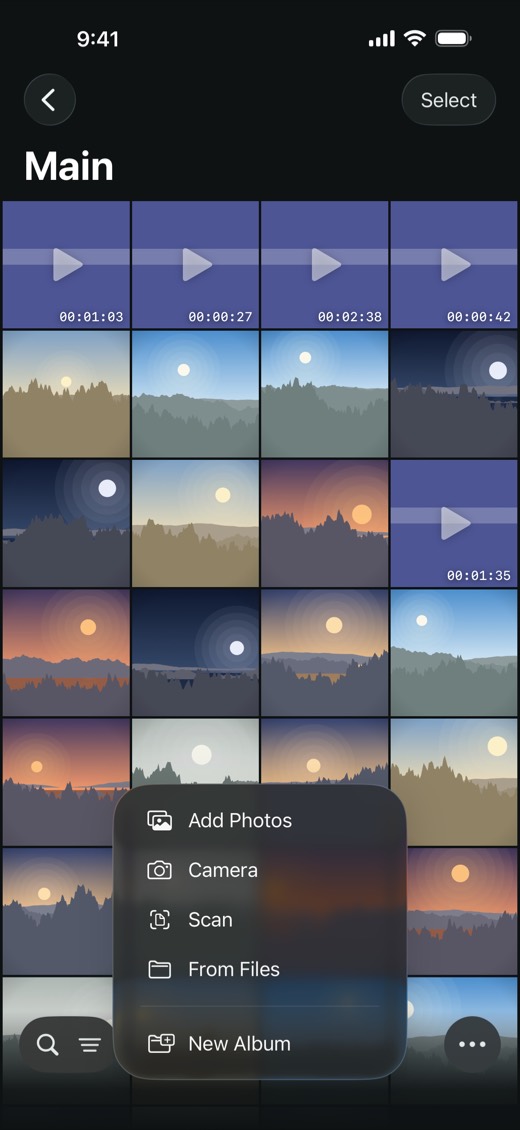
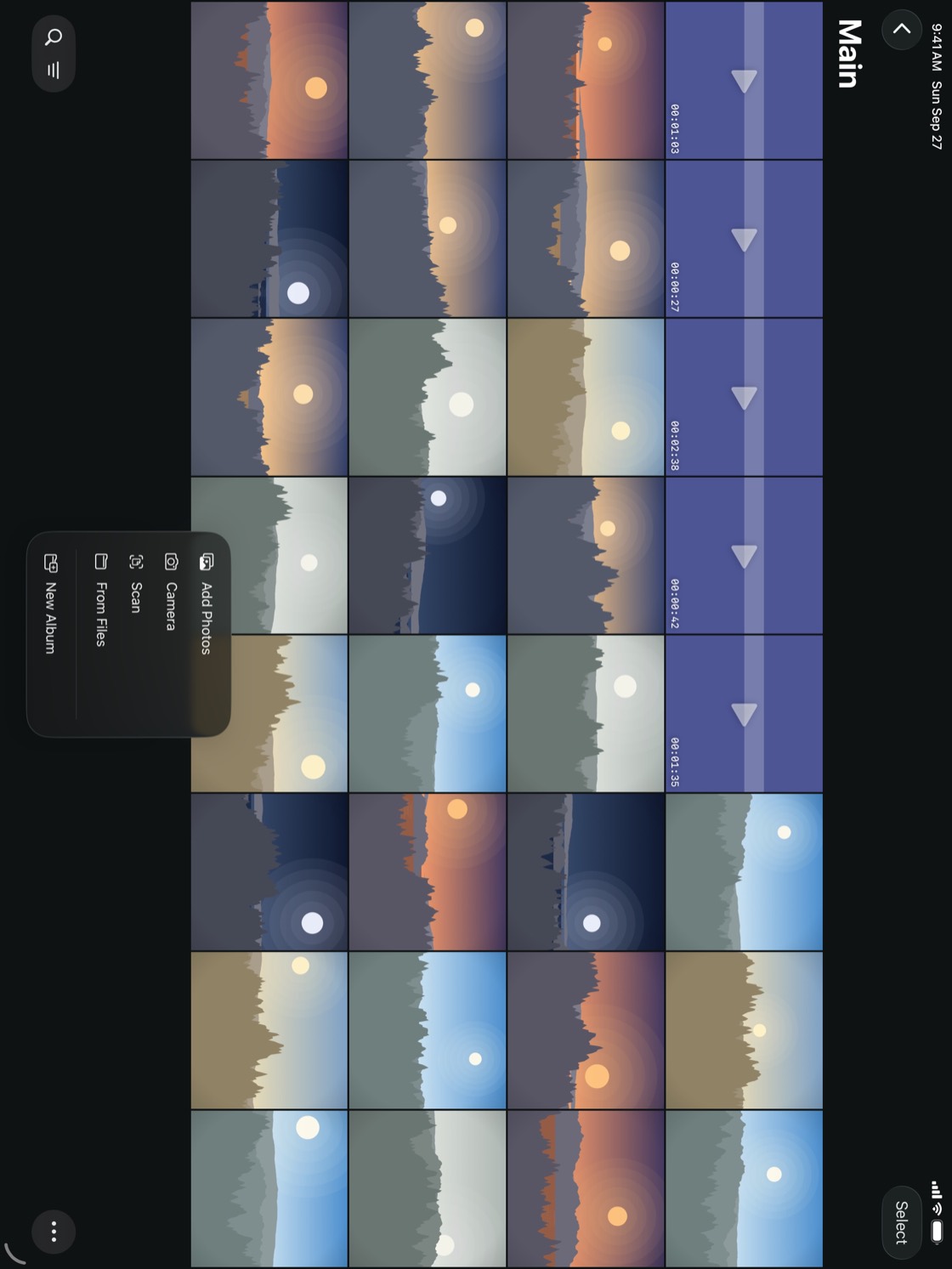
Photos added from the album list, with no album open, ask which album to go to — Save to Album — when you have more than one. Videos are kept exactly as they are in Photos. A Live Photo is saved as a still image; the motion isn't kept.
The first time, SilentBox asks for access to Photos. With access, previews appear right away, photos stored in iCloud show how much is left to download, and SilentBox can remove the originals from Photos when it's done. Without access, adding still works.
TipIf one photo or video takes a long time to download from iCloud, tap Skip This One and SilentBox goes on with the rest.
NoteAdding items needs the free trial or the Full Version. After the trial, everything already in the vault stays, and you can still open, search and export it. See Full Version and the trial.