Lock and Unlock
Use Two-Step Unlock
Ask for your PIN even after Face ID or Touch ID or your password, so one of them alone never opens the vault.
- At the top of the album list, tap Settings (if you don't see it, tap … first).
- If you don't have a PIN yet, tap Set Up a PIN, enter your vault password and choose one. See Set up a PIN.
- Turn on Two-Step Unlock.
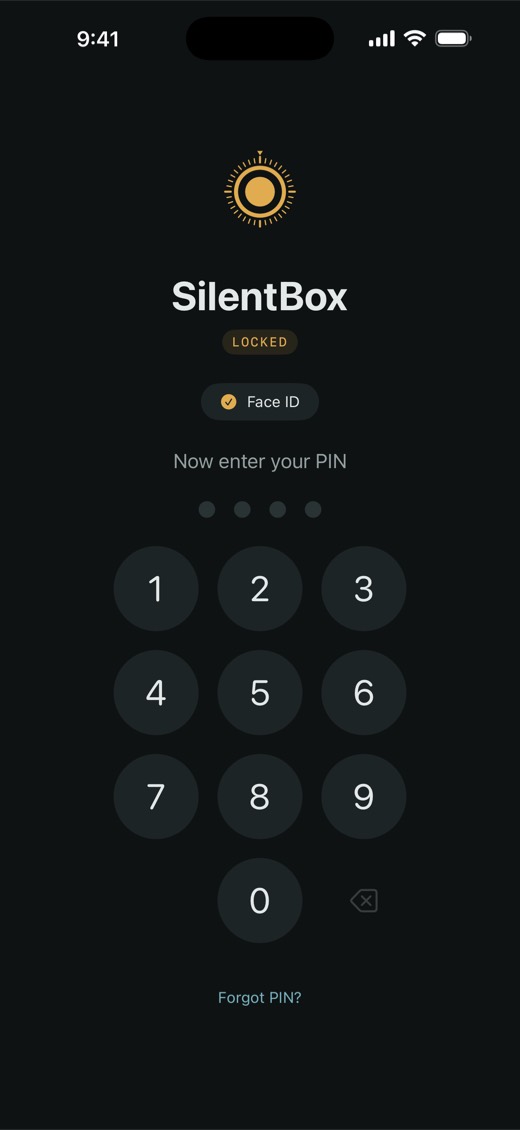
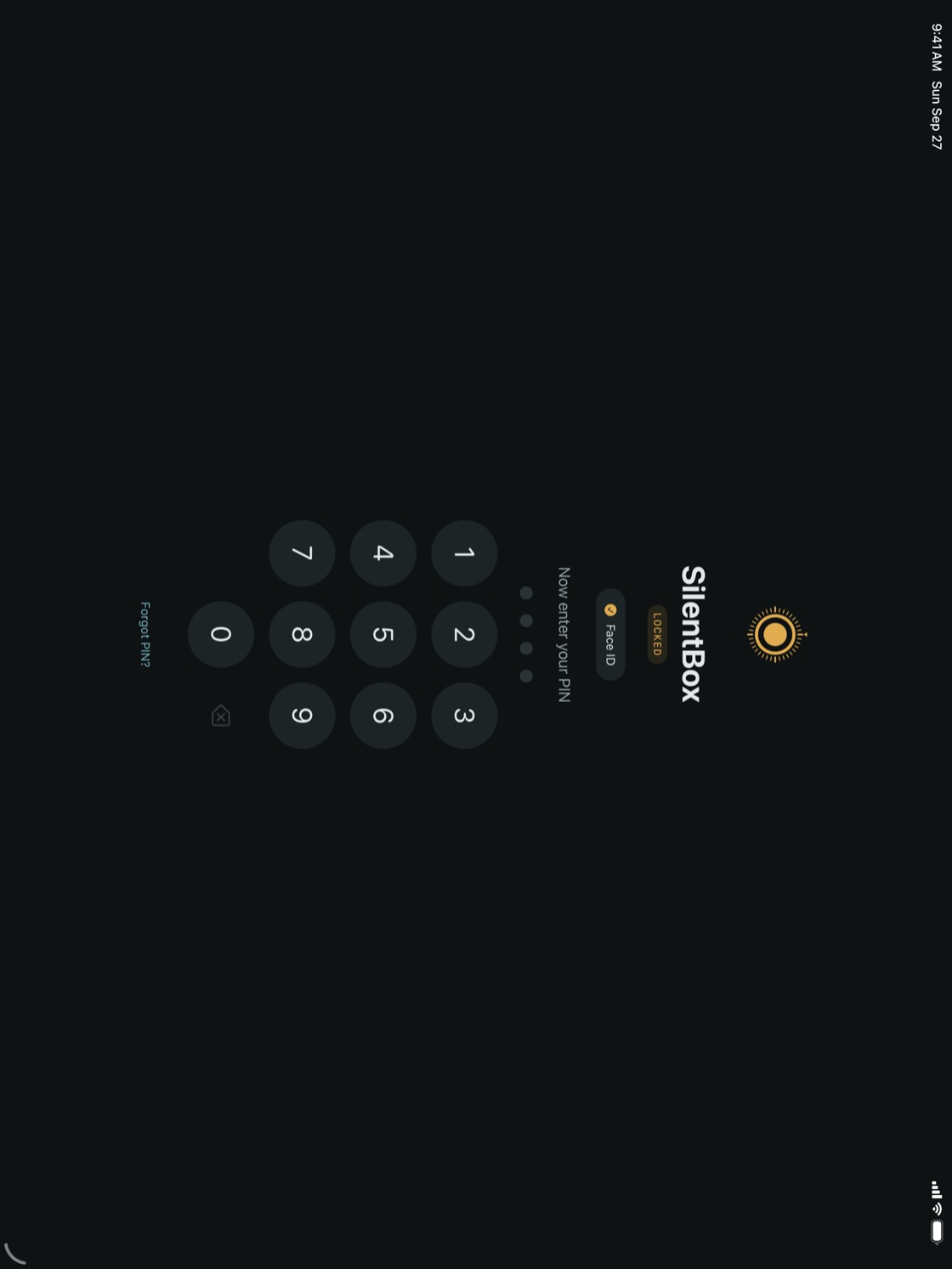
Next time you open SilentBox, unlock as usual. Instead of the vault you see Now enter your PIN, and the vault opens after the PIN.
NoteTwo-Step Unlock is part of the Full Version. It applies to this iPhoneiPad only; turn it on on each device you use.
TipIf you forget the PIN, tap Forgot PIN?. Your recovery phrase opens the vault, turns off the PIN and Two-Step Unlock, and asks you to choose a new password. Set up a new PIN afterwards if you want Two-Step Unlock back.