Reference
Settings
What each section of Settings is for, in the order you find them.
To open Settings, tap Settings at the top of the album list (if you don't see it, tap … first). Changes take effect as soon as you make them; Close at the top left takes you back.
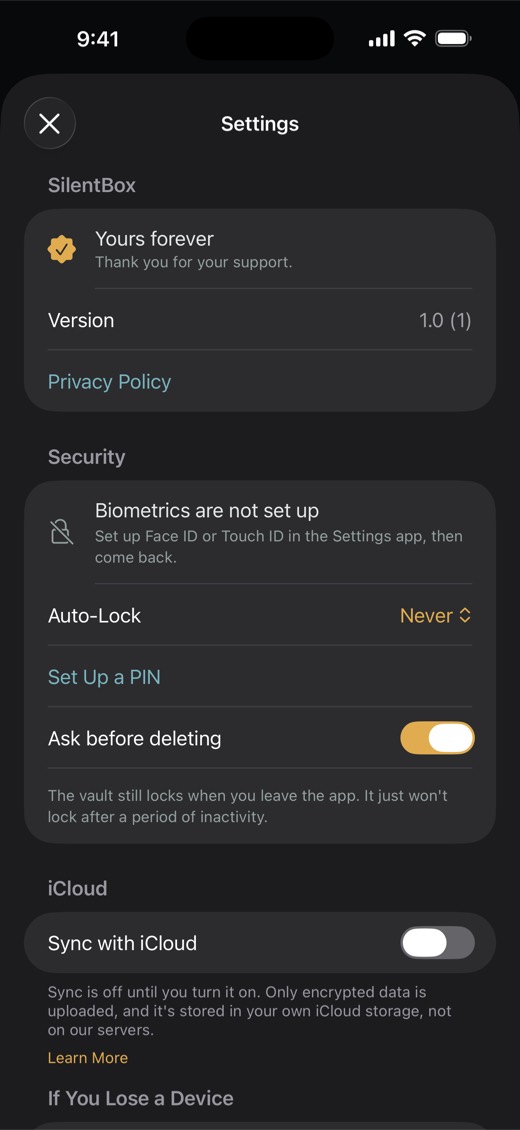
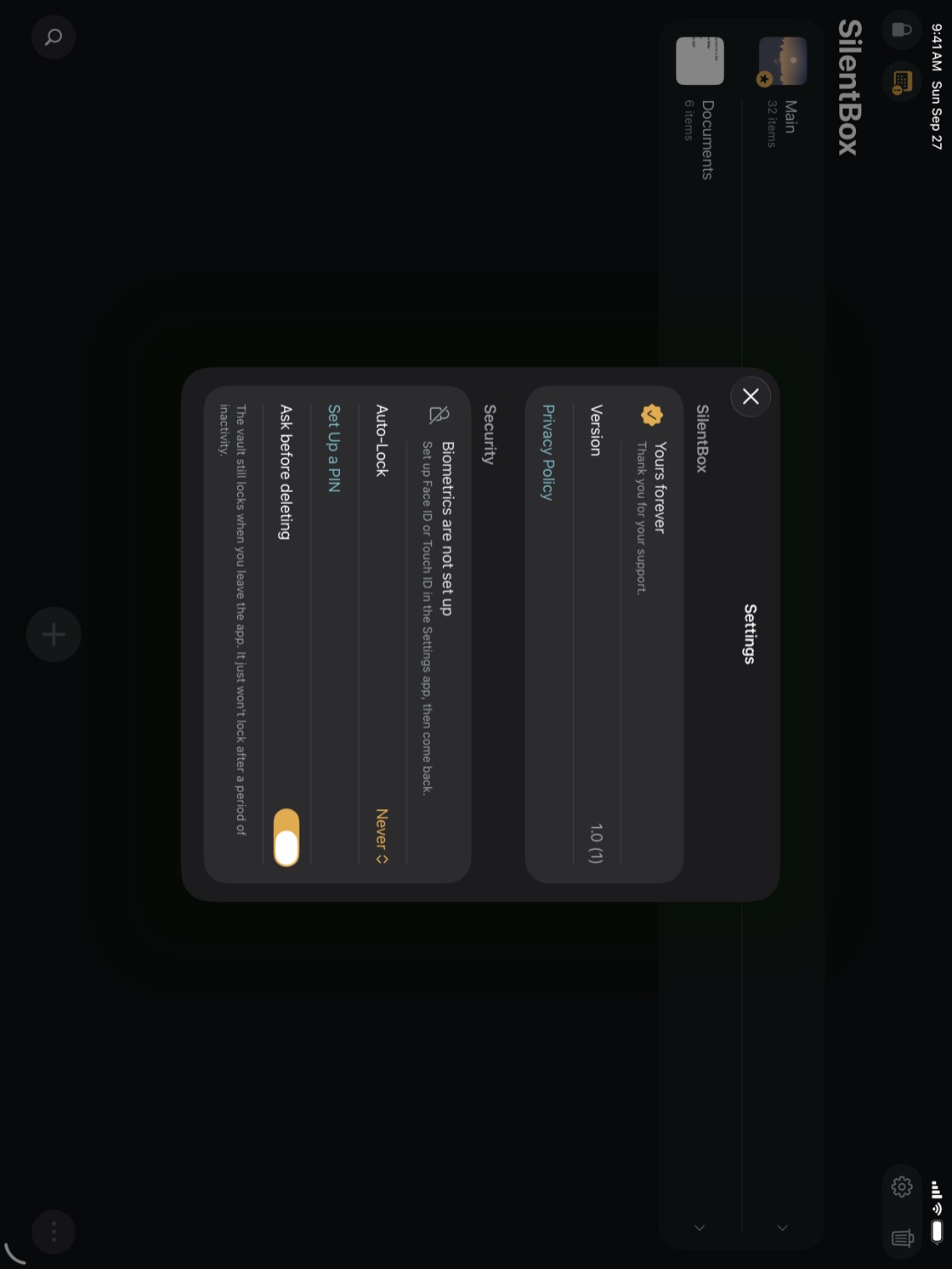
- SilentBox — whether you're in the trial or have the Full Version, Restore Purchase, the version number and the Privacy Policy. See The Free Trial and the Full Version.
- Security — unlocking with Face ID or Touch ID, Auto-Lock, Set Up a PIN or Turn Off PIN, Two-Step Unlock, Ask before deleting and Stay unlocked while you look at the screen. See Face ID and your password, Set up a PIN, Two-Step Unlock and Auto-Lock and Screen Down.
- Item List Can't Be Read — shows up only if this device can't read the vault's list of items. See Troubleshooting.
- iCloud — Sync with iCloud, and once it's on, What goes to iCloud, Sync Now, the result of the last sync, Download All Videos and Free Up Space on This Device. See Turn on iCloud, Choose albums for iCloud and Keep only in iCloud.
- If You Lose a Device — Change Password, so the old password no longer opens the vault on any device. See If you lose a device.
- Photos — whether SilentBox has access to Photos, and a button to allow it. See Remove the originals from Photos.
- Screen Capture — Block screen capture. See Hide from screenshots.
- Live Photos — Offer to delete Live Photo originals. See Remove the originals from Photos.
- Backup — Back Up the Whole Vault and Restore from a Backup. See Back up the whole vault and Restore from an archive.
- Albums — Show album covers, Blur album covers, Show item previews and Blur item previews. See Album covers.
- Screen down — what happens when you put the iPhoneiPad face down. See Auto-Lock and Screen Down.
- Help — Show the Introduction Again and User Guide, this guide. Several footers in Settings also have Learn More, which opens the topic about that setting.
- Remove or delete — Remove from This iPhoneiPad takes the vault and its keys off this device only; the vault stays in iCloud. Delete Everywhere deletes the vault on every device, its iCloud copy and the key that opens it. Not even the recovery phrase can bring it back.
- Space taken up for nothing — shows up only when your iCloud holds vaults that none of your devices can open. Free up removes them, and that can't be undone.
- Vault — how many items, items in the Trash and albums you have.
NoteRows marked Full version are part of the Full Version and aren't included in the trial.