The Trash
Restore Items from the Trash
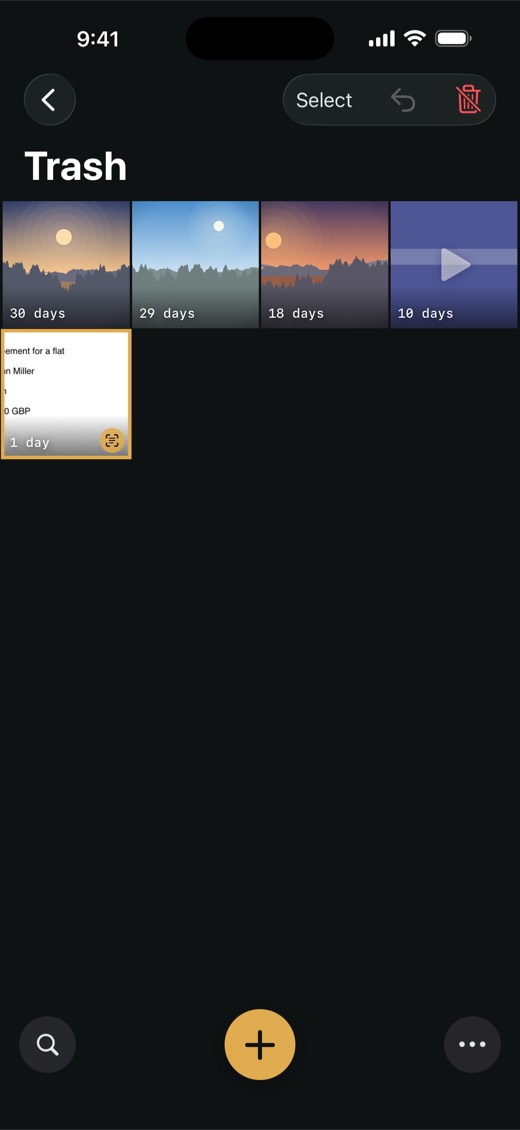
Changed your mind? For 30 days, anything in the Trash can go back where it was.
- In the album list, tap Trash at the top. If you don't see it, tap … at the top right.
- Tap Select, then tap each item you want back.
- Tap Restore (the curved arrow at the top).
Each item goes back to the album it came from. Items from an album you deleted go to the main album, the one with a star.
To restore a single item, touch and hold it and tap Restore, or open it and tap Restore at the top.
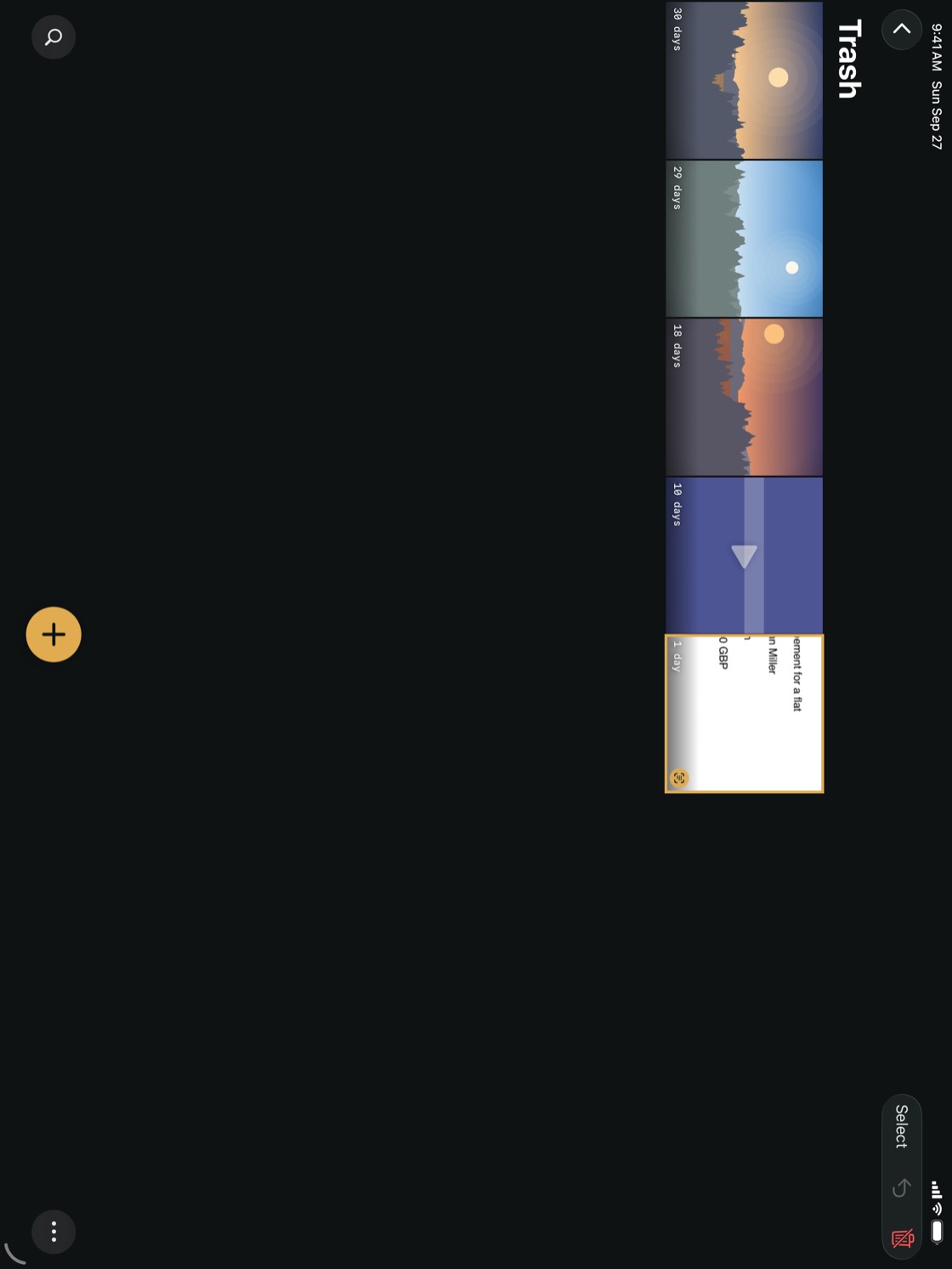
TipThe newest deletions are at the top of the Trash, and each thumbnail shows how many days it has left.
NoteItems deleted from a locked album appear in the Trash only while that album is unlocked. See Lock an Album.