Get Started
The Vault at a Glance
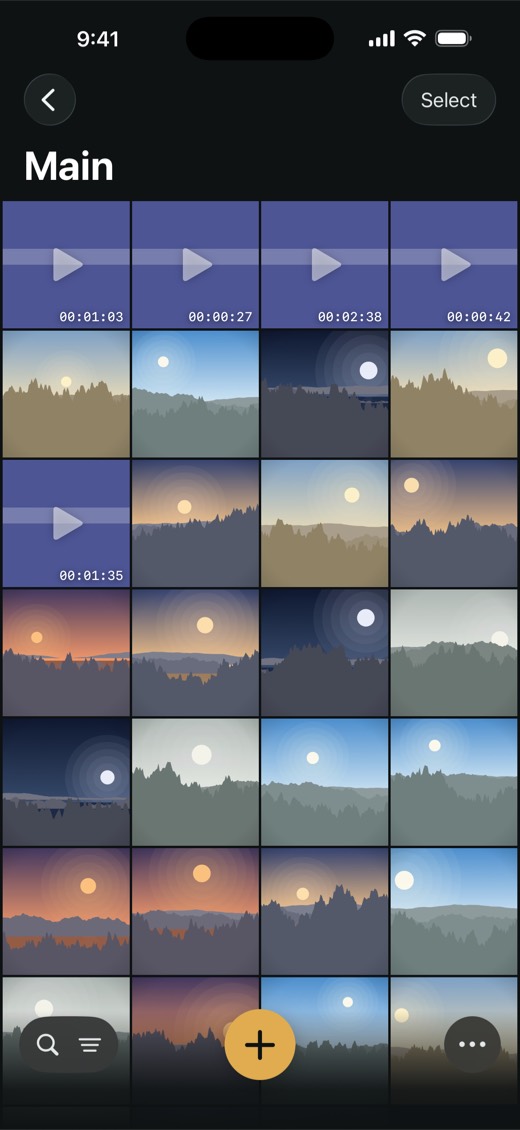
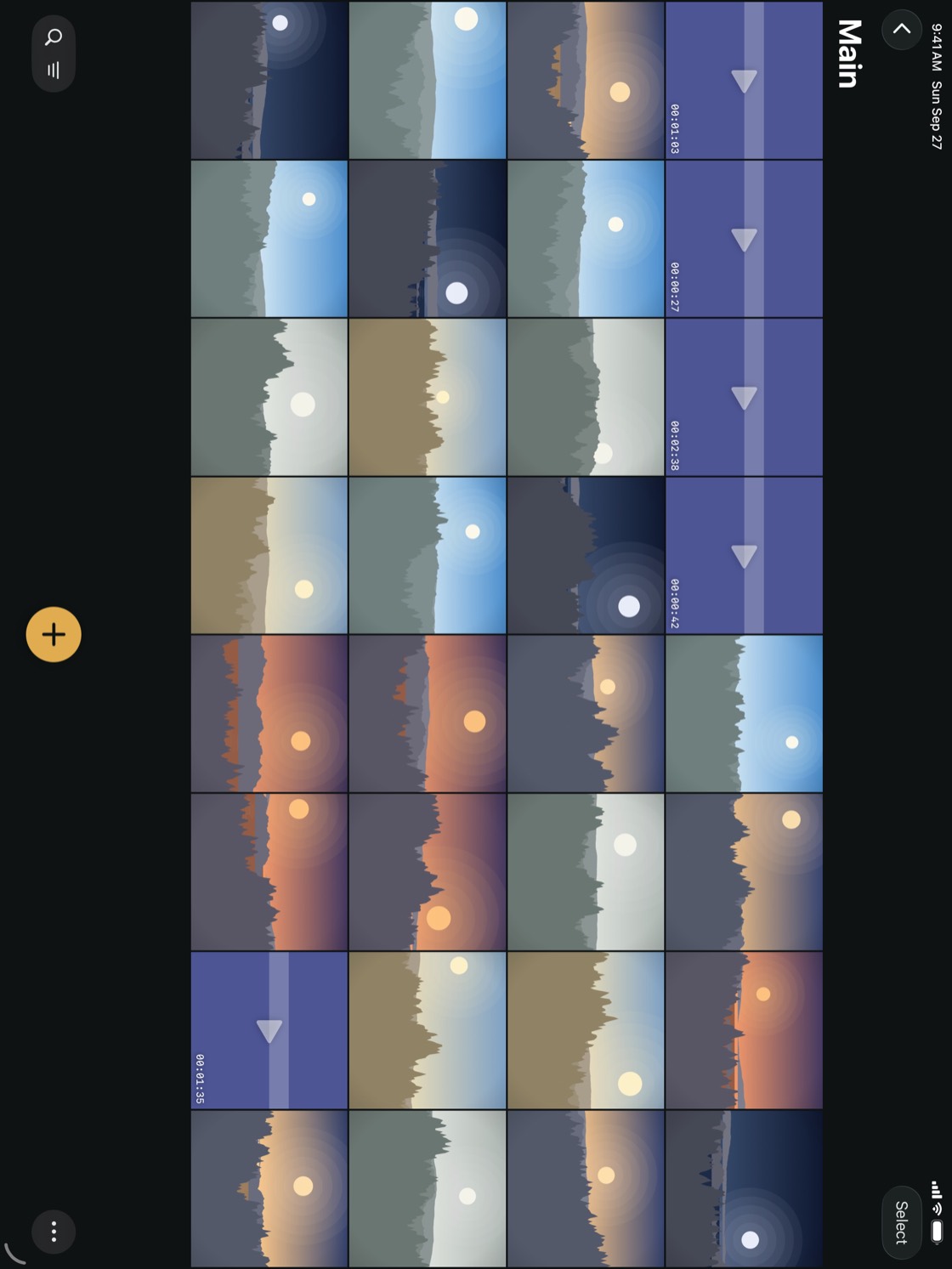
Where everything is. Point at a number to find it in the list, or at a line to find it in the picture.
 12345678
 12345678
- 1Albums — back to all your albums, the Trash and Settings.
- 2Select — choose several items to move, export or put in the Trash.
- 3The album — its name. When a filter is on, it says so under the name.
- 4A video — its length. Tap to play.
- 5An item — tap to open it. Touch and hold for Favorite, Make Album Cover, Move to Album and Move to Trash.
- 6Search and filter — find words, even words in scans, or show only photos, videos or documents.
- 7Add — photos and videos, the camera, a scan or files.
- 8More — export, select all and thumbnail size.