Get Started
Your Password and Recovery Phrase
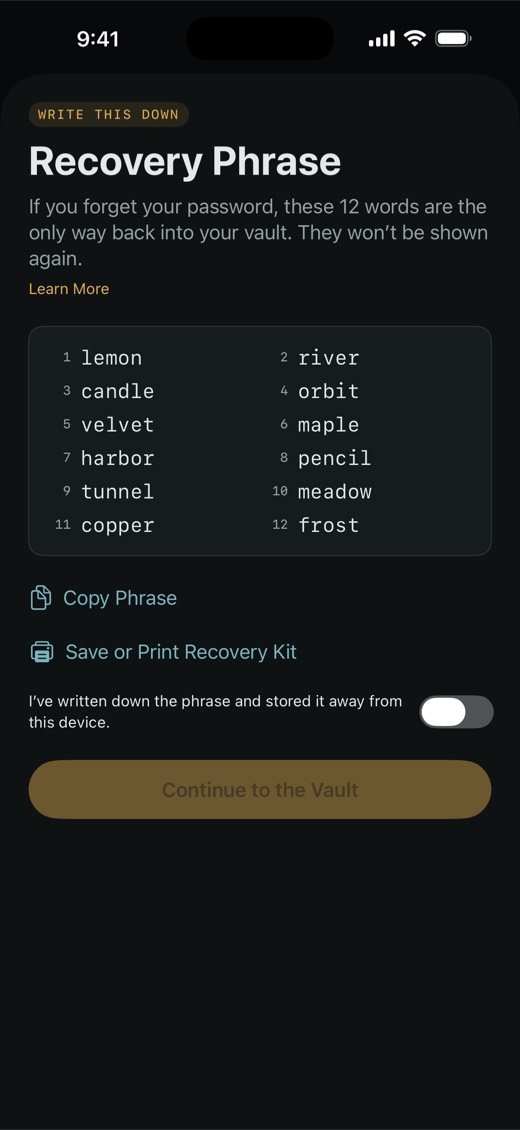
The password opens your vault every day. The 12-word recovery phrase is the only way back in if you forget it.
You choose the password when you create the vault, and it must be at least 8 characters. It isn't stored anywhere it could be recovered from, so nobody — including us — can reset it. The same password opens the vault on every device you use. Face ID, Touch ID and a PIN are shortcuts on one device; none of them replaces the password.
Keep the recovery phrase safe
- The 12 words appear once, right after you create the vault. They can't be shown again.
- Write them down and keep them somewhere other than your devices, such as a locked drawer. Save or Print Recovery Kit gives you a page with the words, ready to print.
- Copy Phrase puts the words on this device's clipboard only, not on your other devices, and the clipboard clears after 2 minutes.
- Anyone with the words can open your vault. Don't photograph them or keep them in a note.
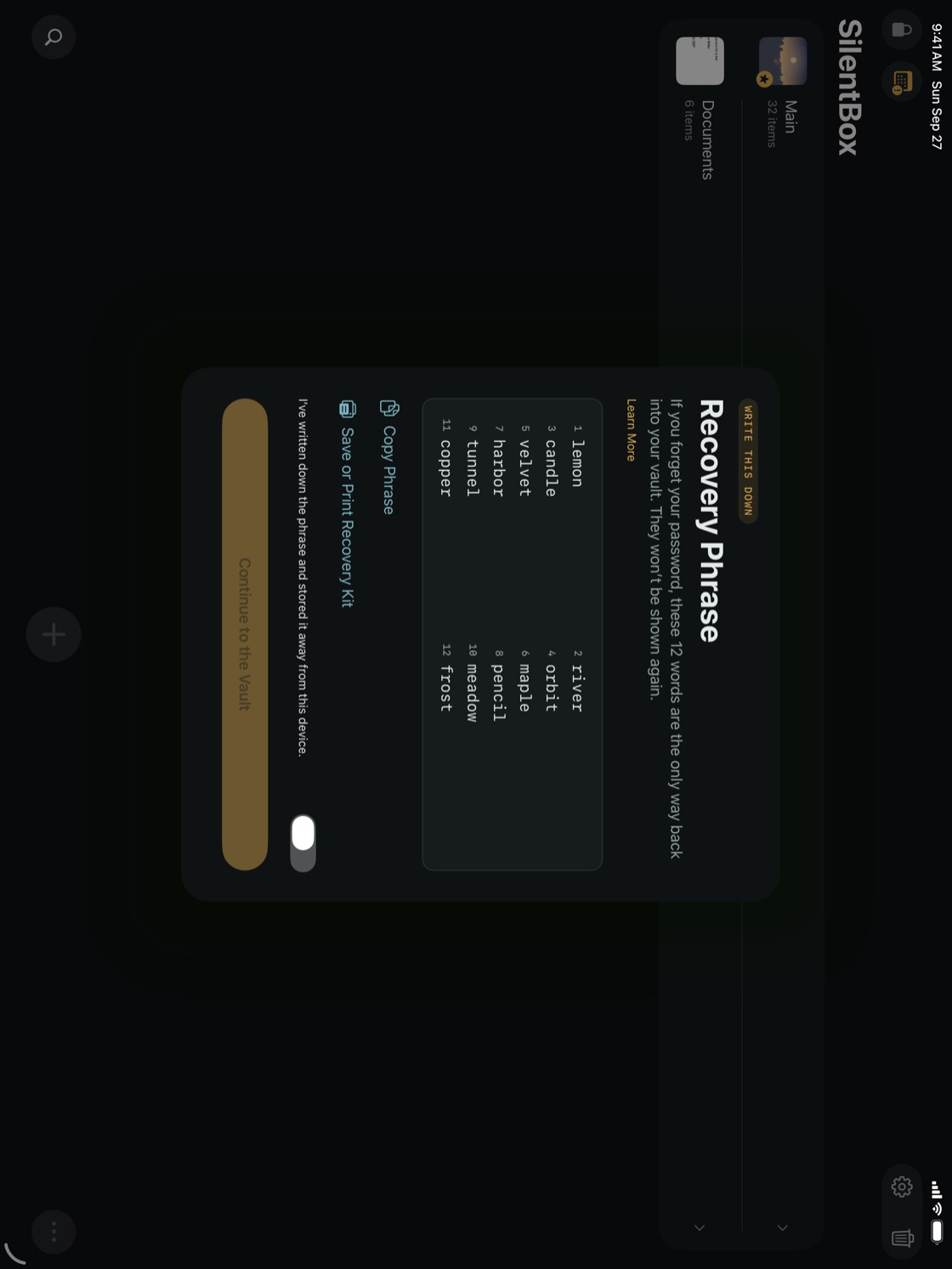
A week after you create the vault, SilentBox asks Do you still have your recovery phrase? above your items. Tap I Have It once you're sure.
Change your password
- At the top of the album list, tap Settings (if you don't see it, tap … first).
- Under If You Lose a Device, tap Change Password.
- Enter your current password and a new one of at least 8 characters, then tap Change.
The old password stops opening the vault on every device. Your recovery phrase stays the same — it doesn't depend on your password.
NoteA new password can't protect a lost device that has Face ID or Touch ID turned on, because that device keeps its own key. See If you lose a device.